Home
Case study · DemandScience
Audience Builder
I led UX and product strategy for DemandScience's Chrome extension, surfacing verified contact and company data inside a rep's active browsing workflow.
The problem
Manual prospecting meant leaving LinkedIn to hunt emails and phone numbers elsewhere. Outreach slowed down and focus broke every time someone switched tools.
What I did
As senior product designer I owned the extension experience and its tie-in to the intelligence platform behind [[project:klarity|Klarity]]. Research, interaction design, and design-to-code handoff so verified contact data, list building, and CRM export felt like one overlay, not a separate app.
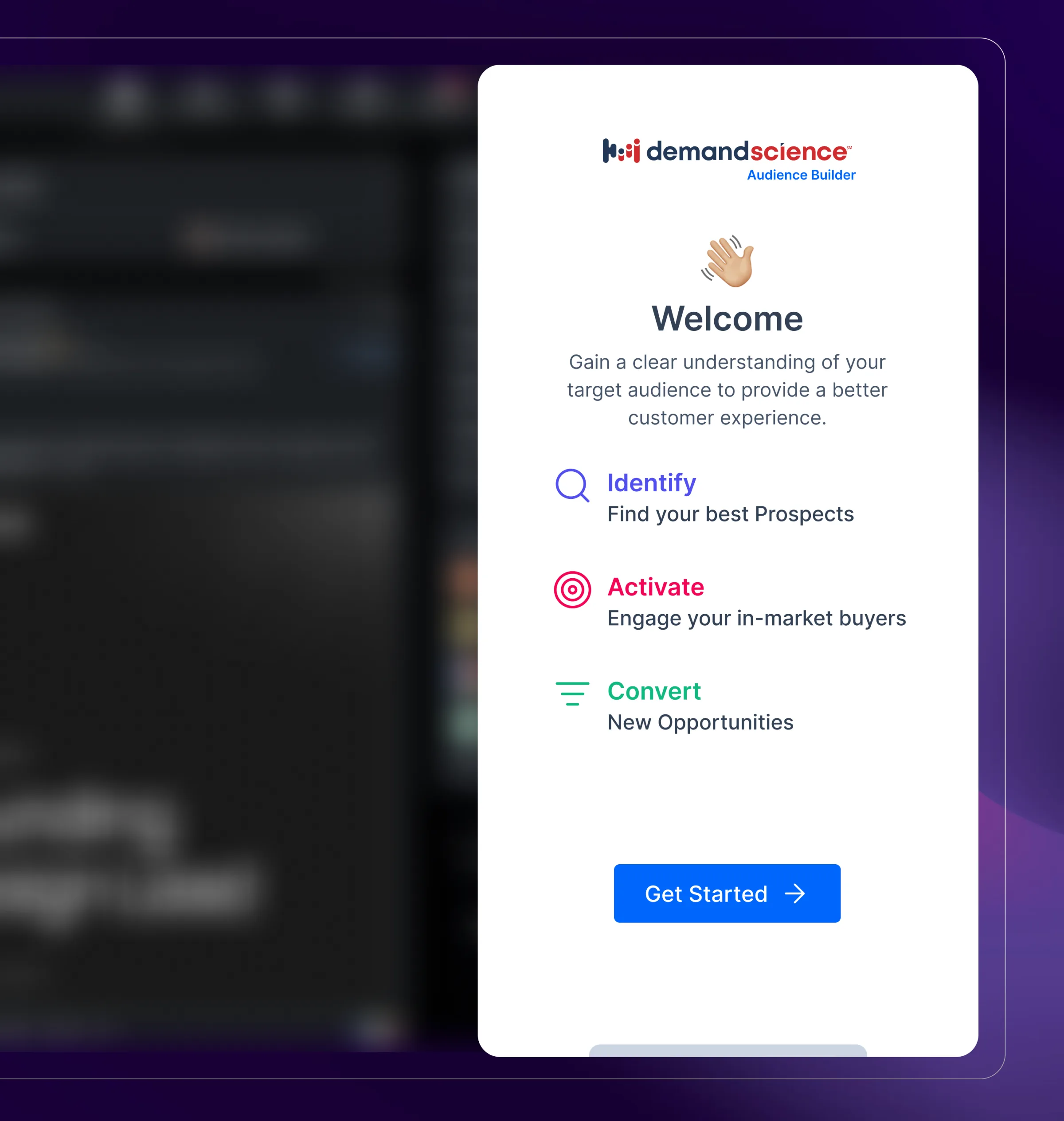
Welcome on LinkedIn
First-run guidance sits on the profile a rep is already viewing. One entry point into the extension without breaking the LinkedIn flow they already trust.
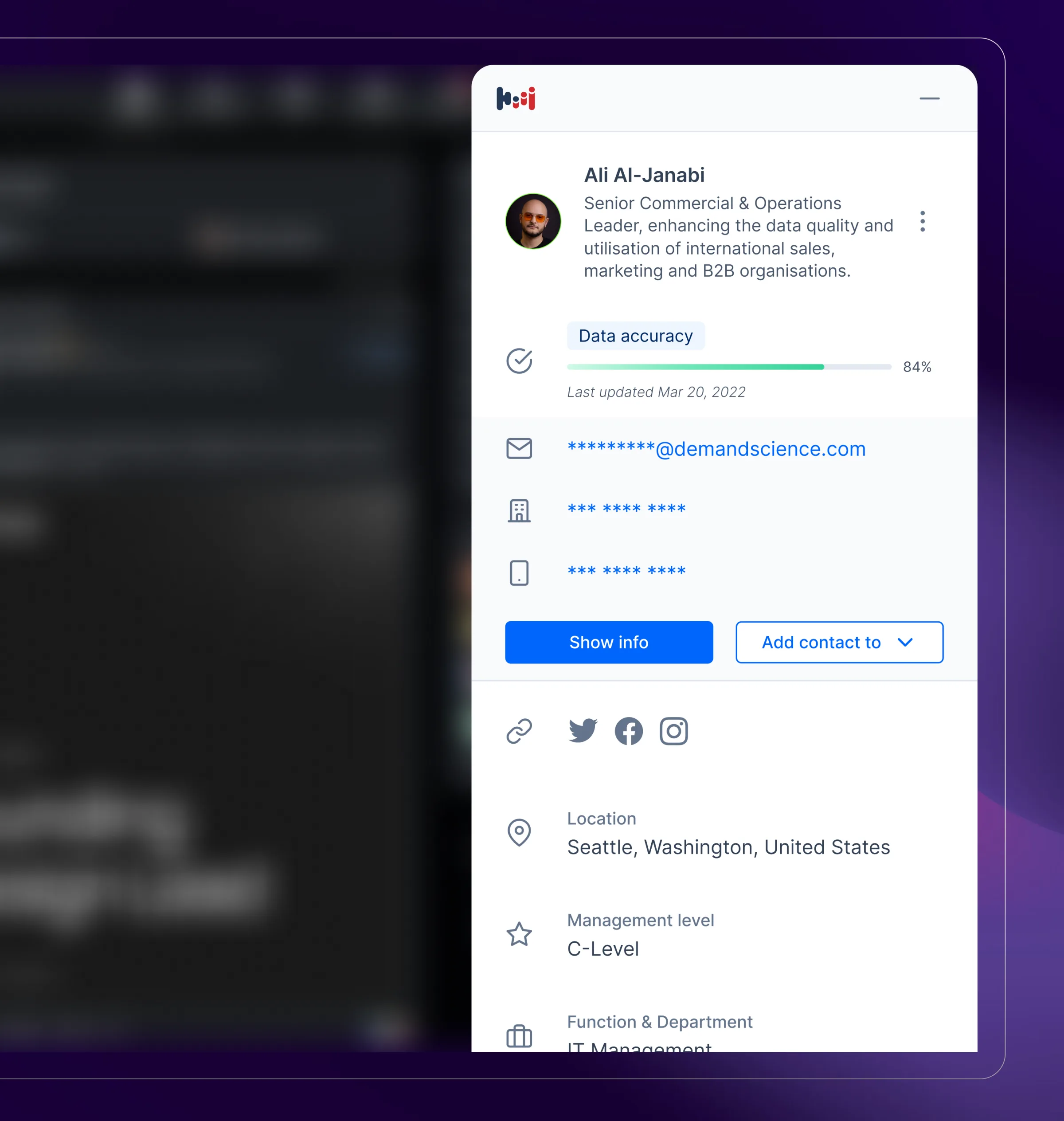
Profile reveal
Verified email, office and mobile numbers, data accuracy, and firmographics in one panel. Add-to-list stays one tap away from the contact row.
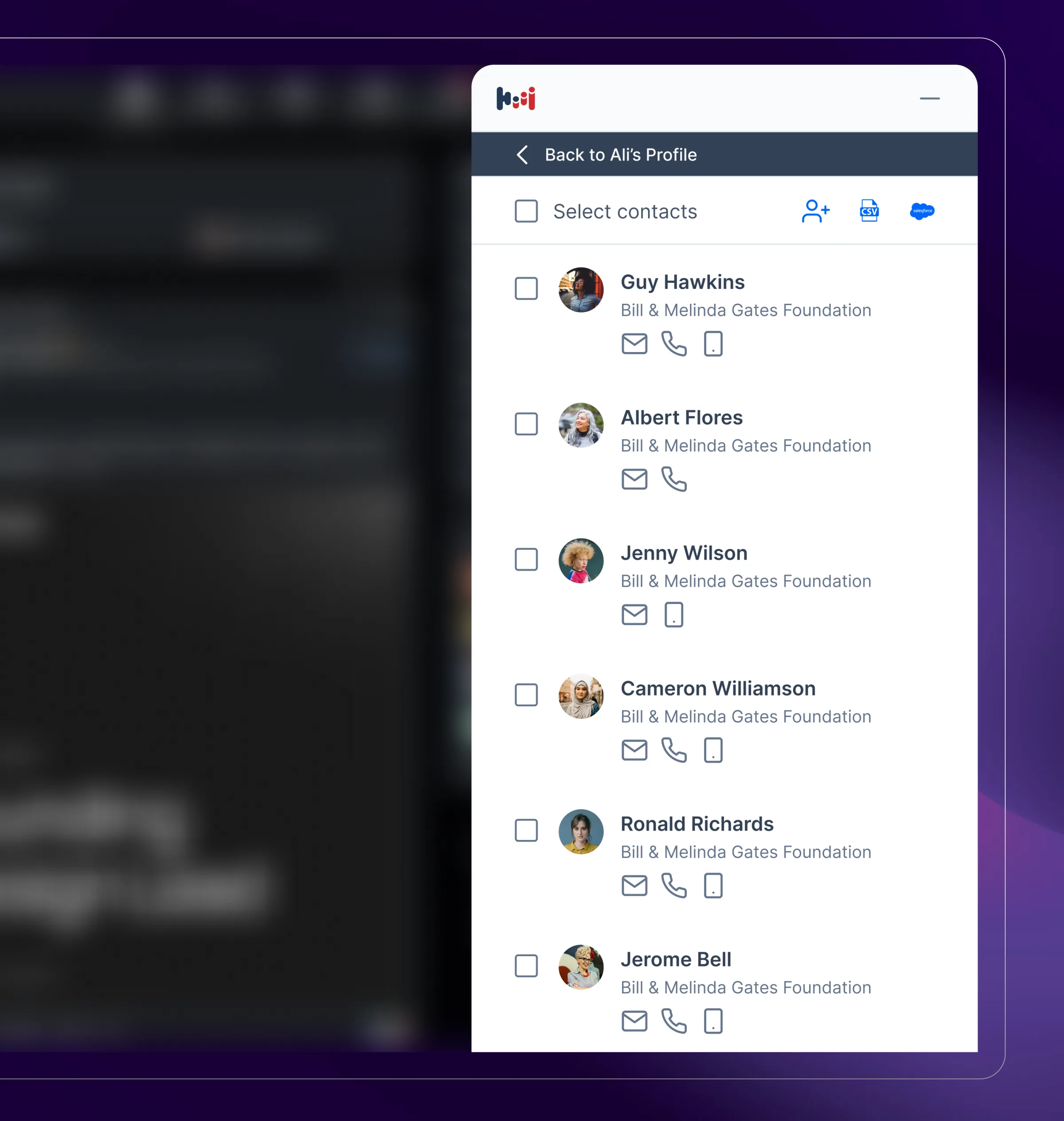
Company contacts
Coworkers at the same account with bulk select, export, and Salesforce push. Reps build a list without opening a second tab.
Saved lists
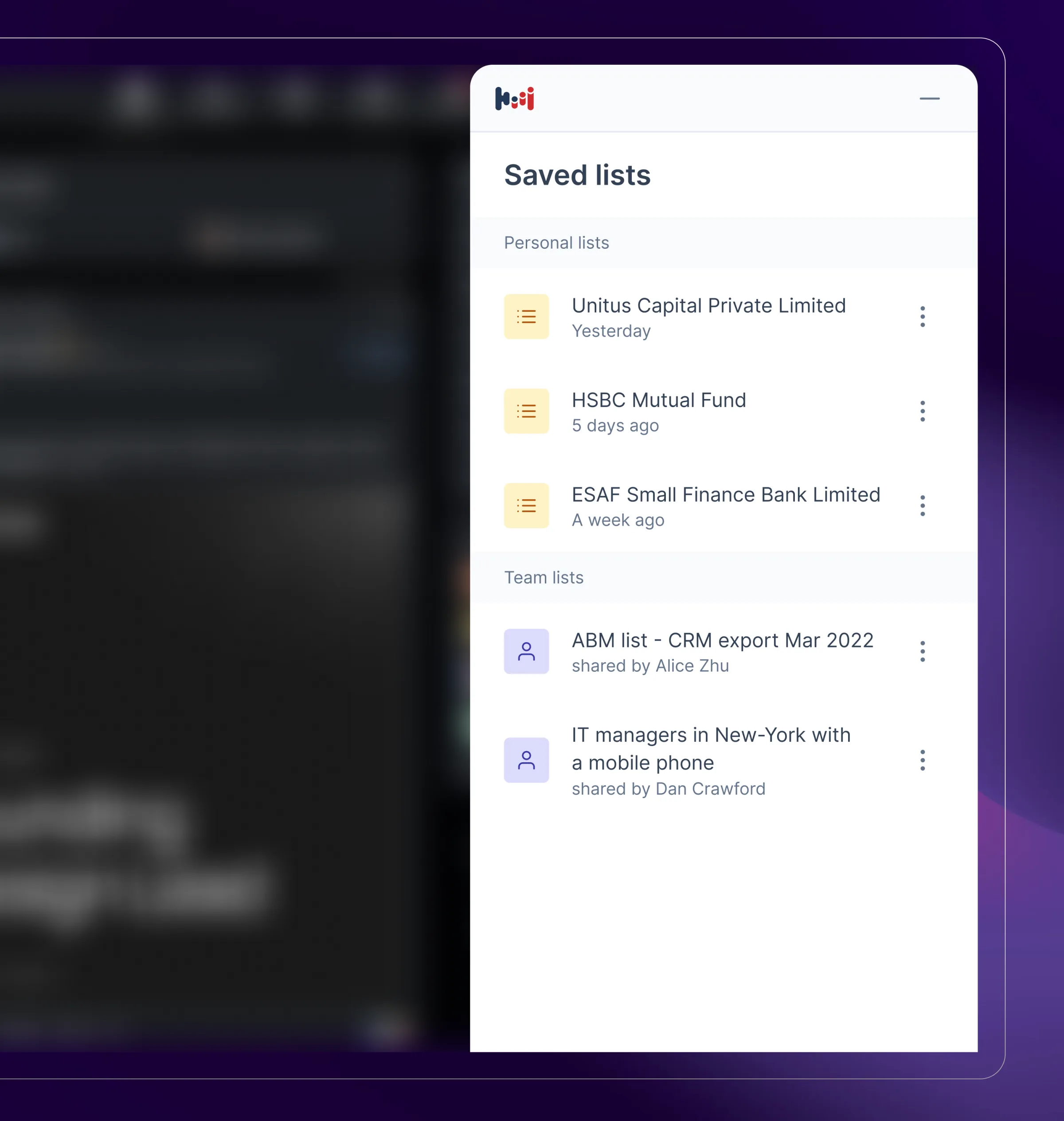
Personal and team lists share one home. Shared-by state and quick actions keep list hygiene visible without a separate admin view.
Settings
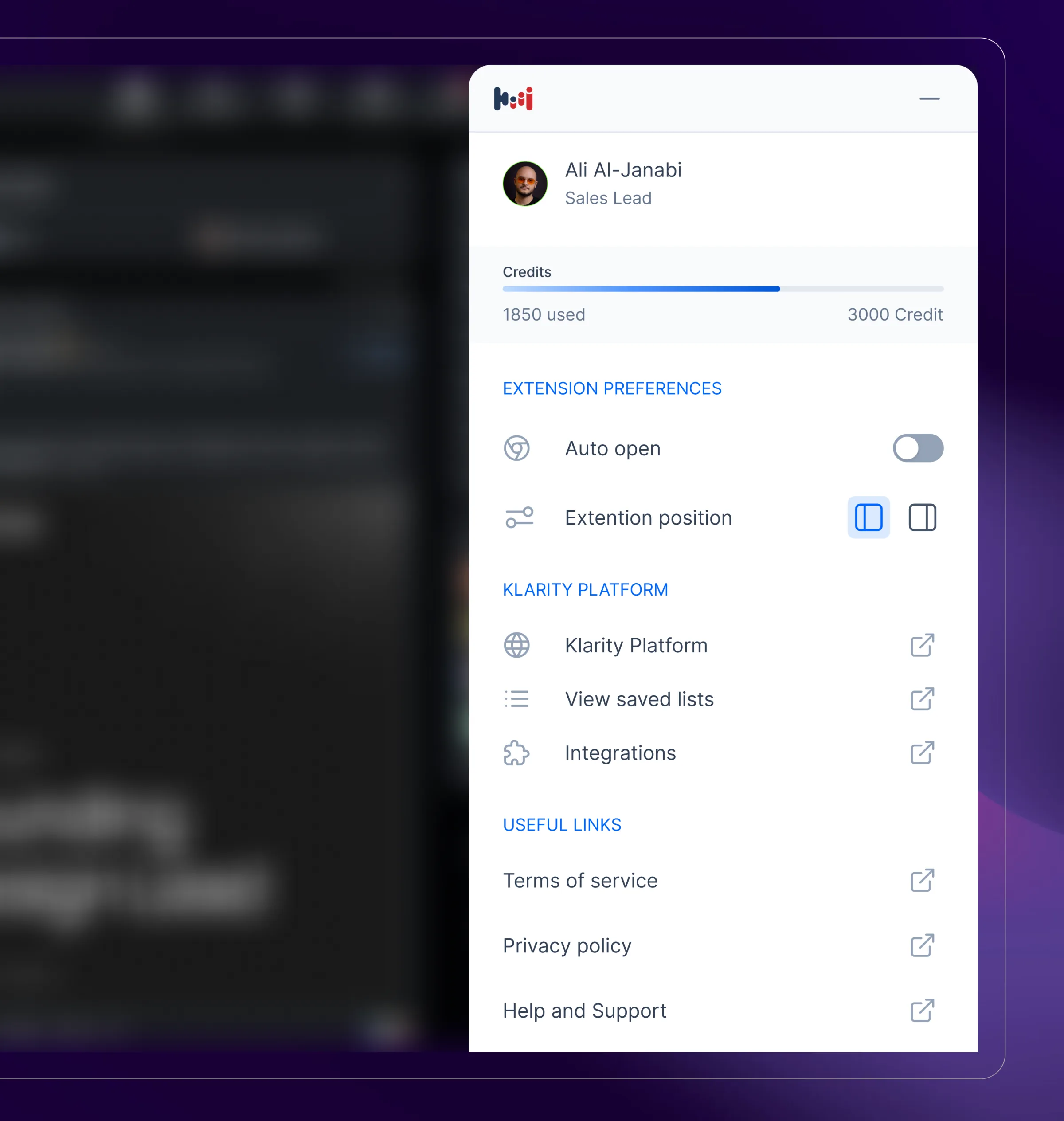
Account, notifications, and integration preferences in the same chrome as search and lists so the extension reads as a small product, not a one-off panel.